Gammel
Track the ages of everyone you love
Kids, pets, and more
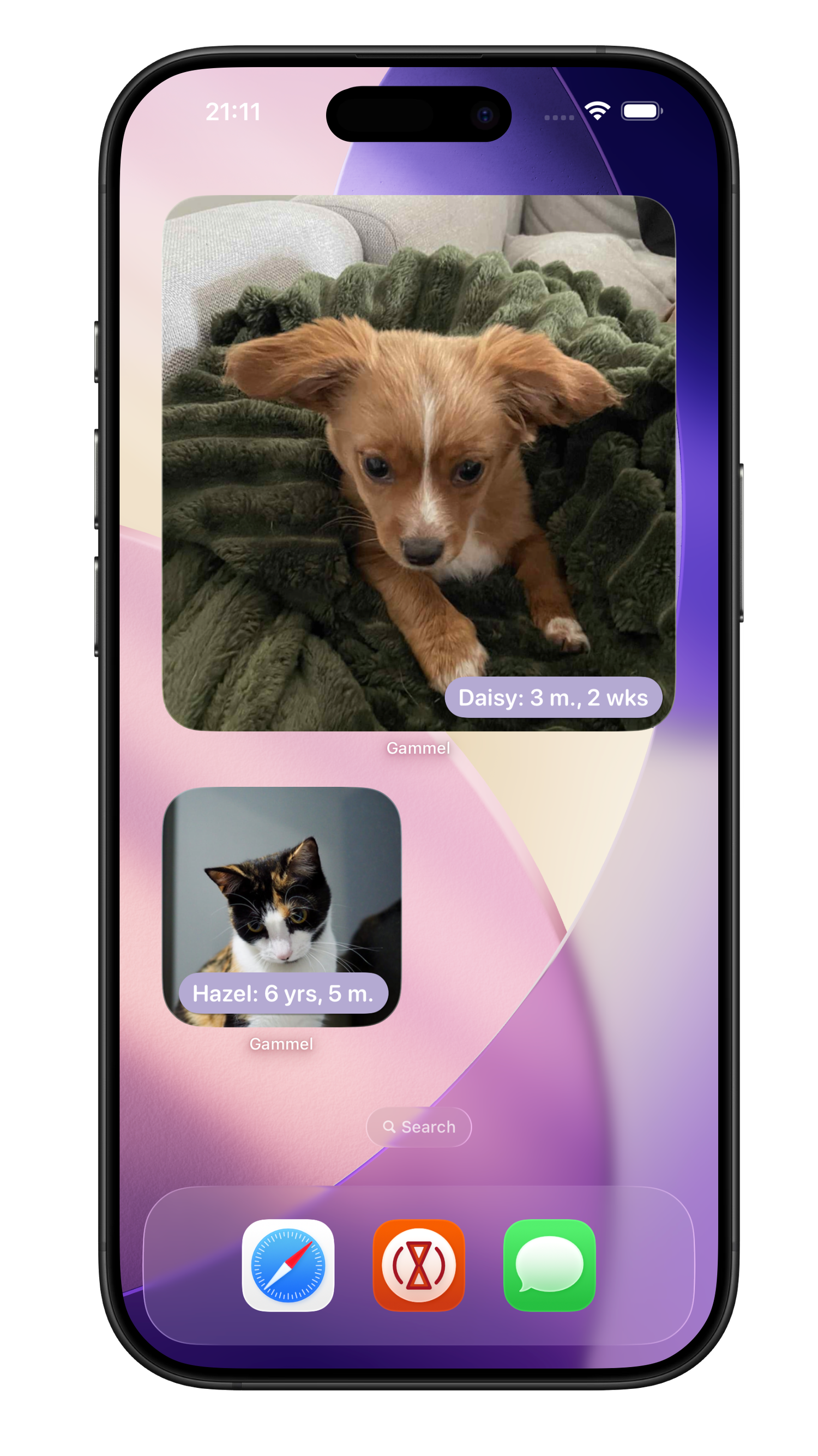
Never do age maths in your head again. Gammel tracks your kids, pets, and anniversaries down to the day, across all your Apple devices.
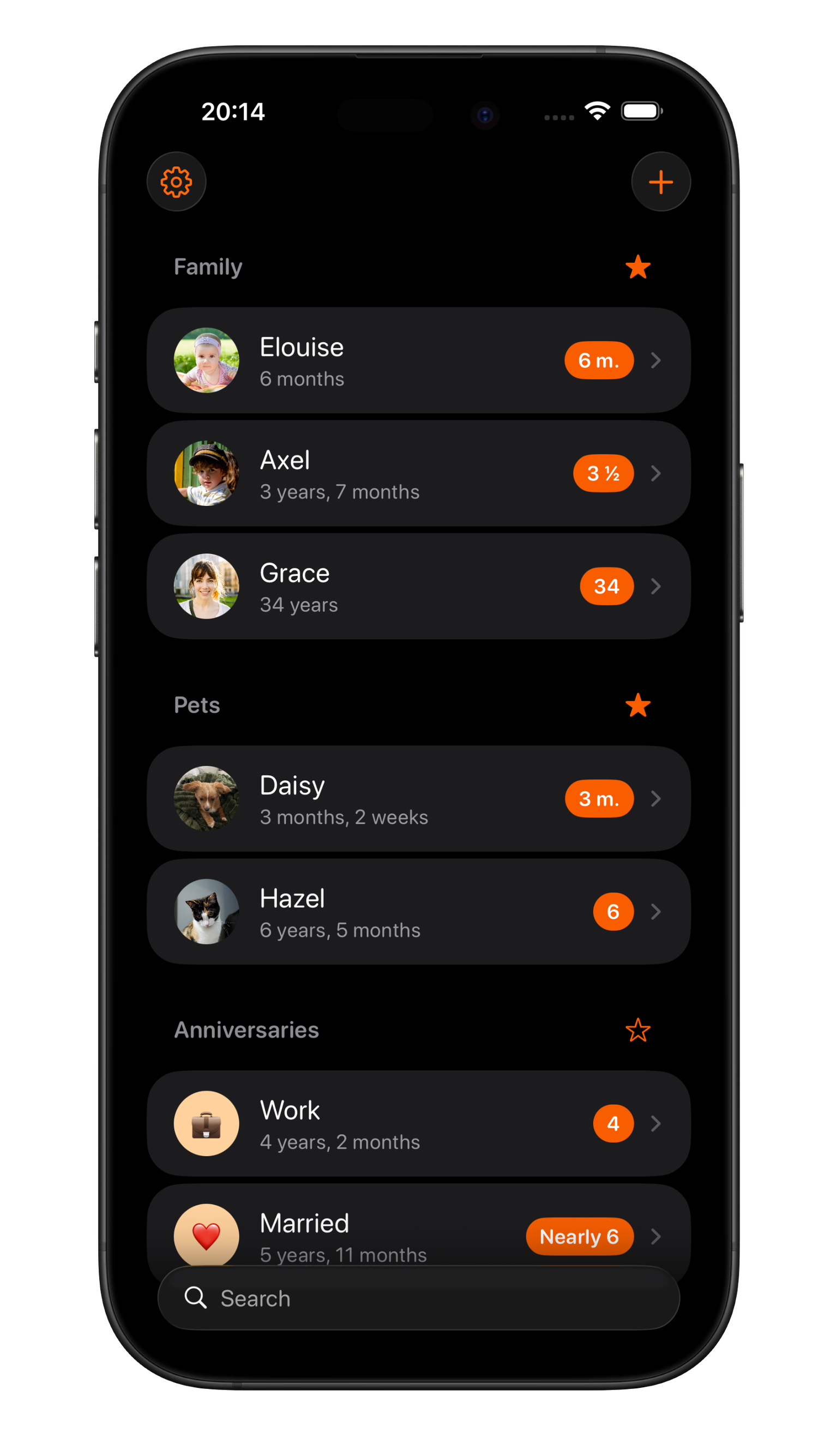
Organise
Add your children, nieces and nephews, grandchildren, friends and family, anybody you need to remember the age of.
Easily group those you add, and favourite which group you would like to appear at the top of your dashboard.
Widgets
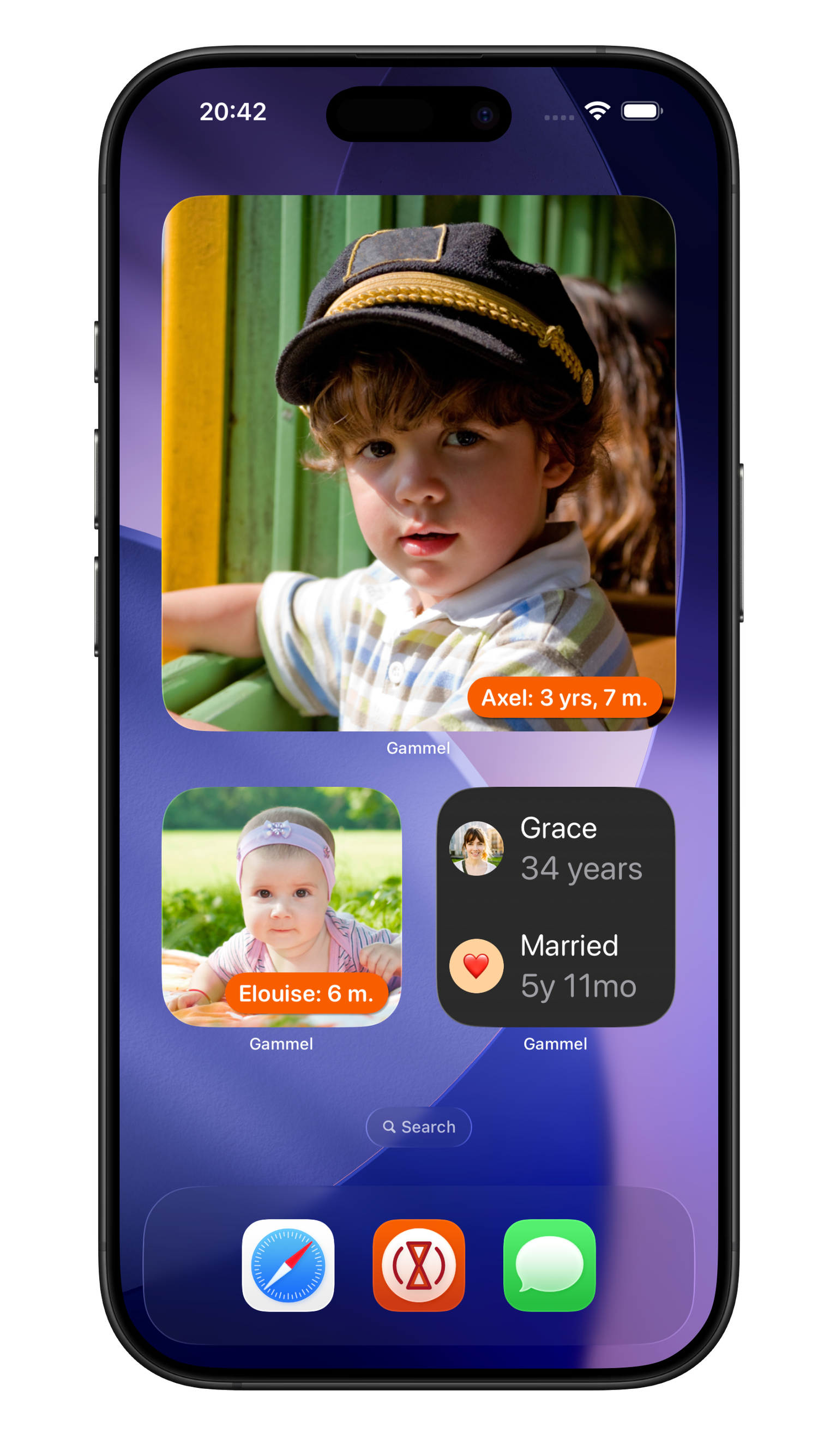
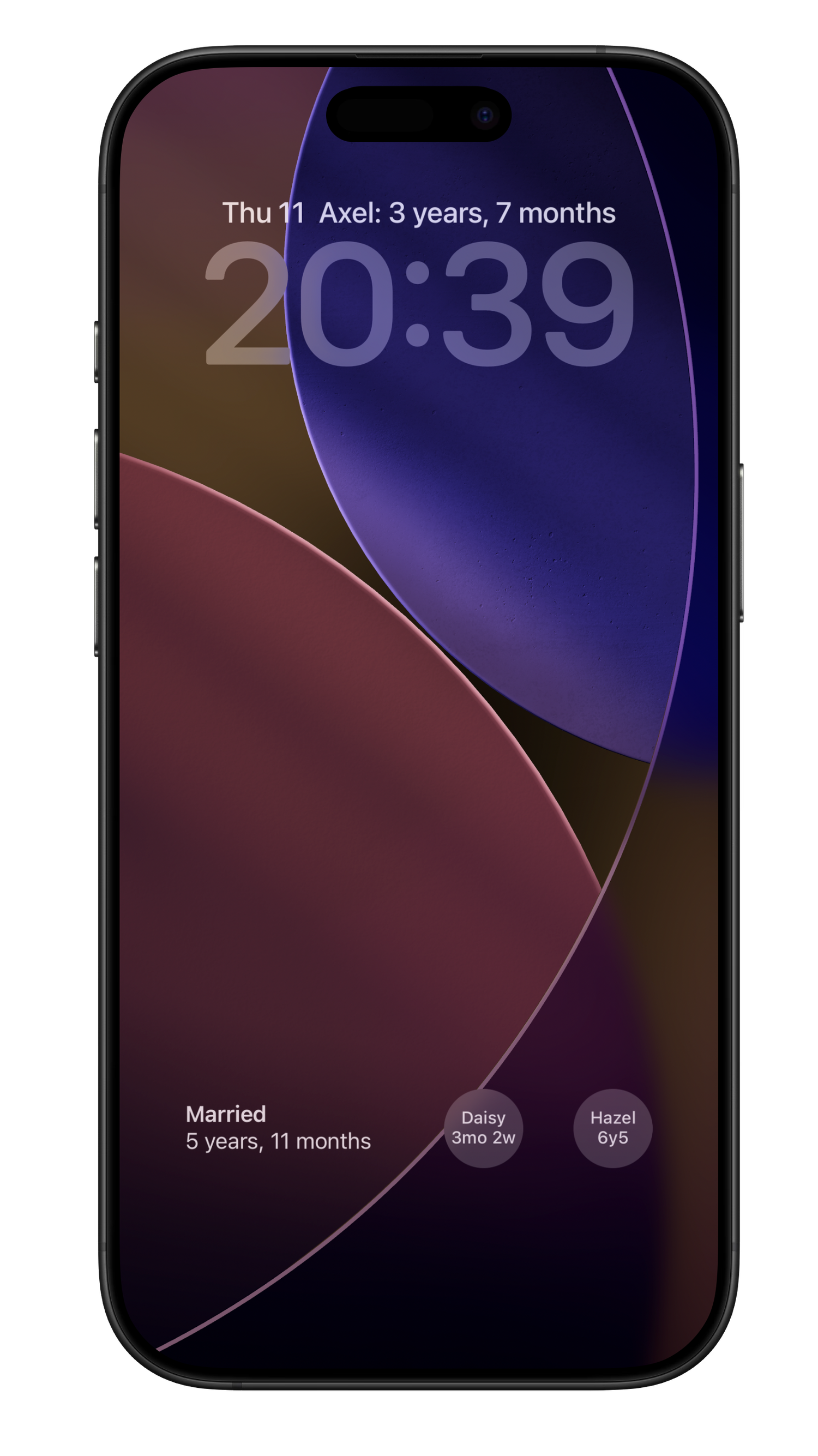
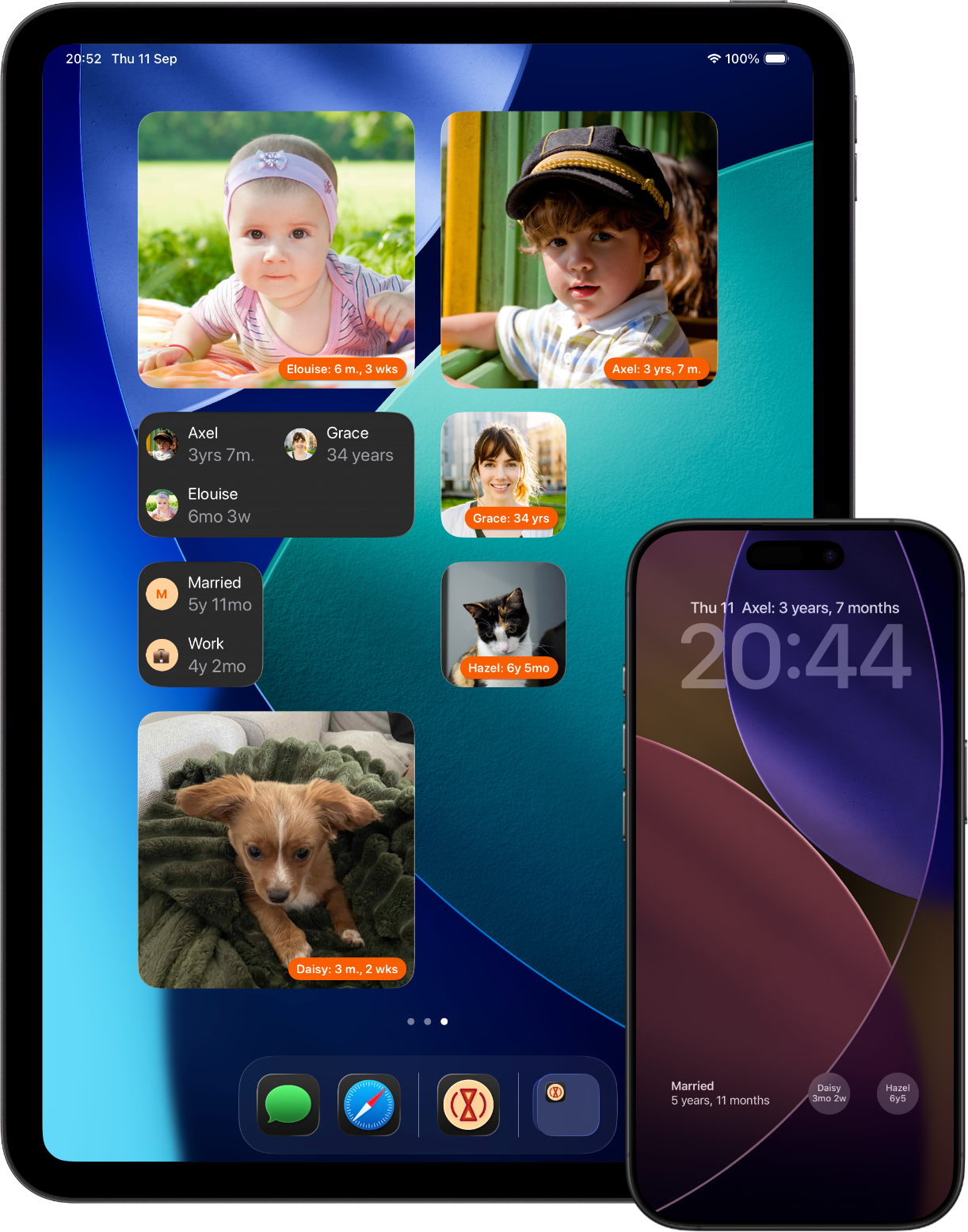
Add widgets to your Home Screen, Lock Screen or Apple Watch as a constant reminder.
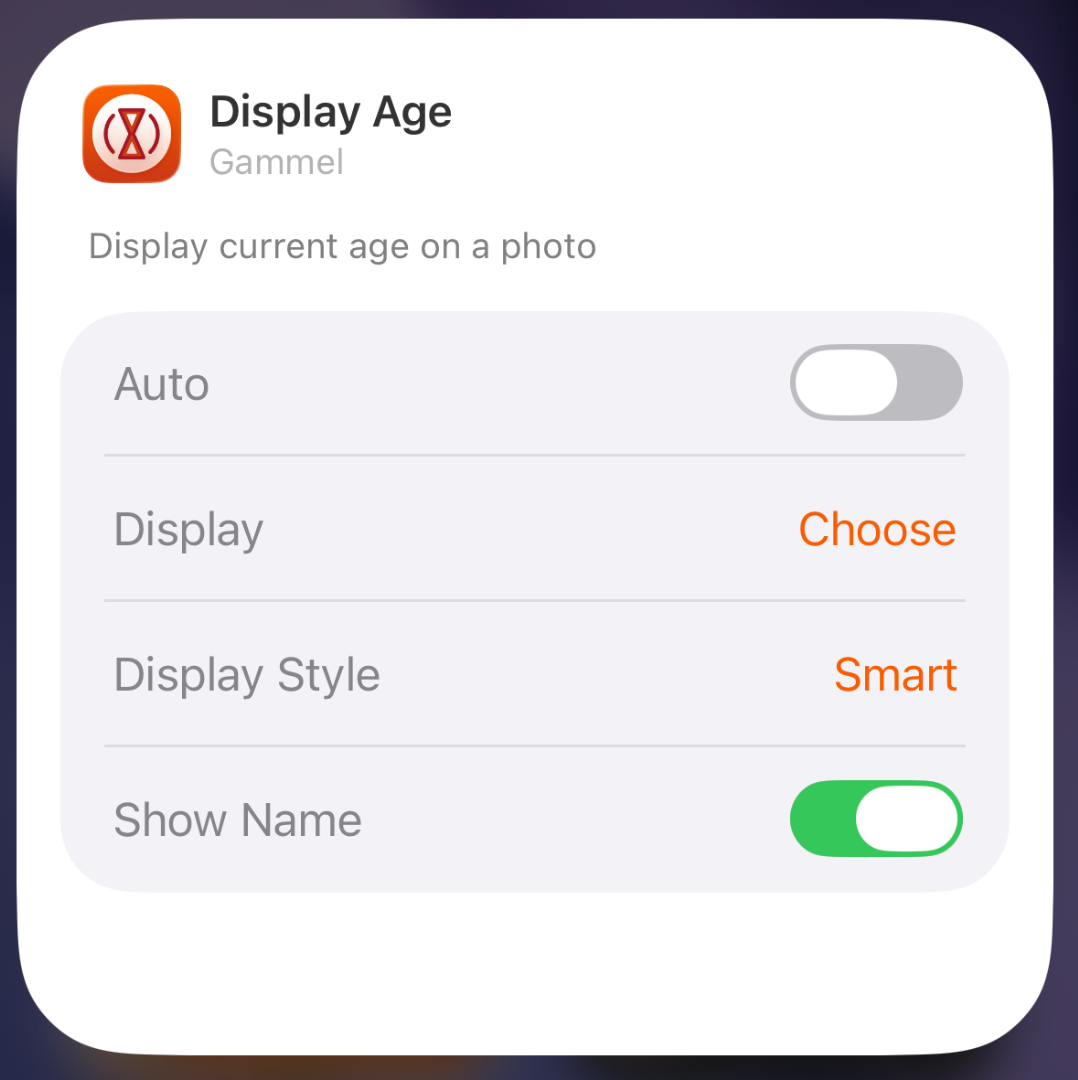
Let Gammel select the most relevant age to show you based on the people you have added, or you can set who to show yourself.
Choose from an image widget to display a single person, or a details widget to show more.
Easily Configurable
Gammel's lock screen and dashboard widgets on your iPhone are easy to setup for all the people, pets, and anniversaries you want to keep track of
Age Display Style
Gammel has two age display styles, Smart and Casual. Choose the style that best suits the age or anniversary you want to display.
Smart
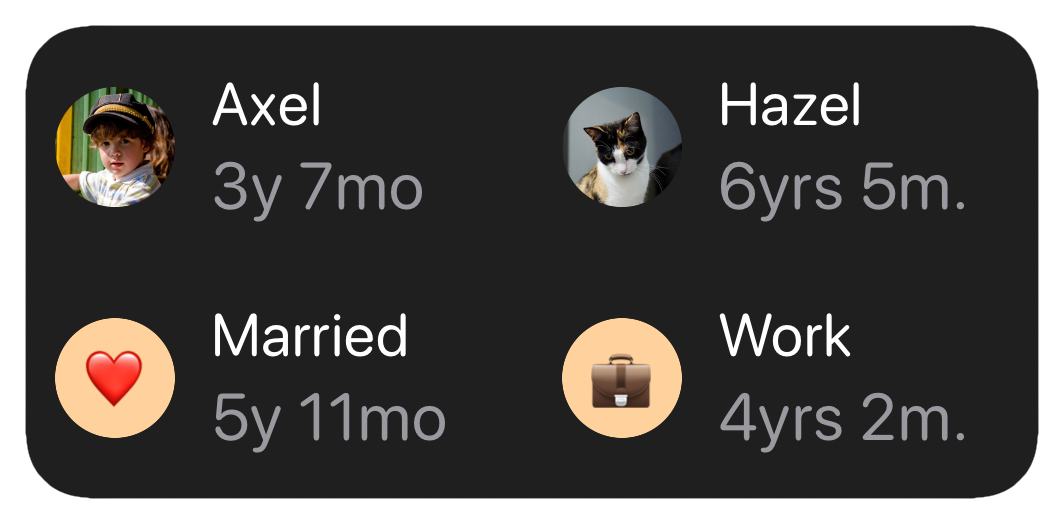
The Smart style will display ages in days, weeks, and months for babies and toddlers, then years and months
Casual
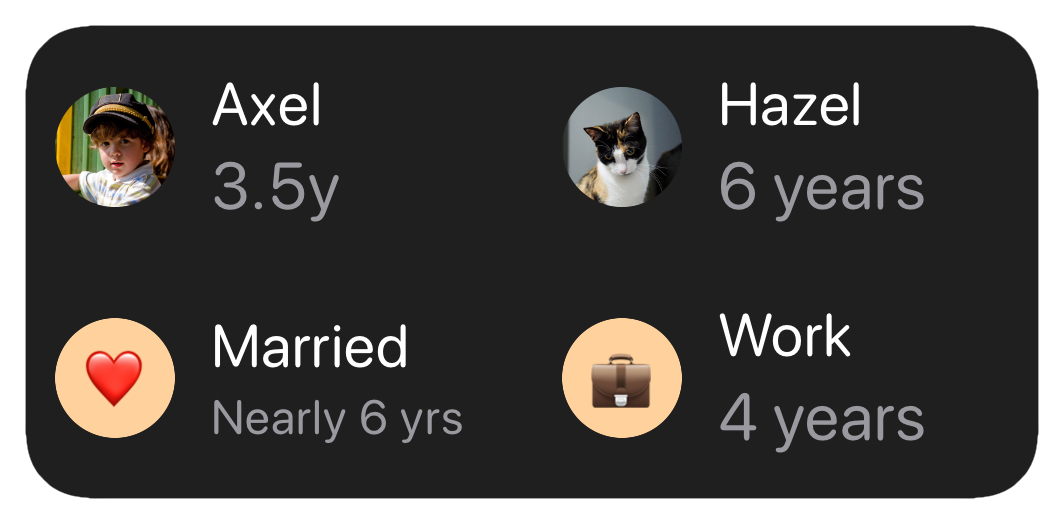
The Casual style is more for describing the age in casual conversation, where the exact age isn't as important
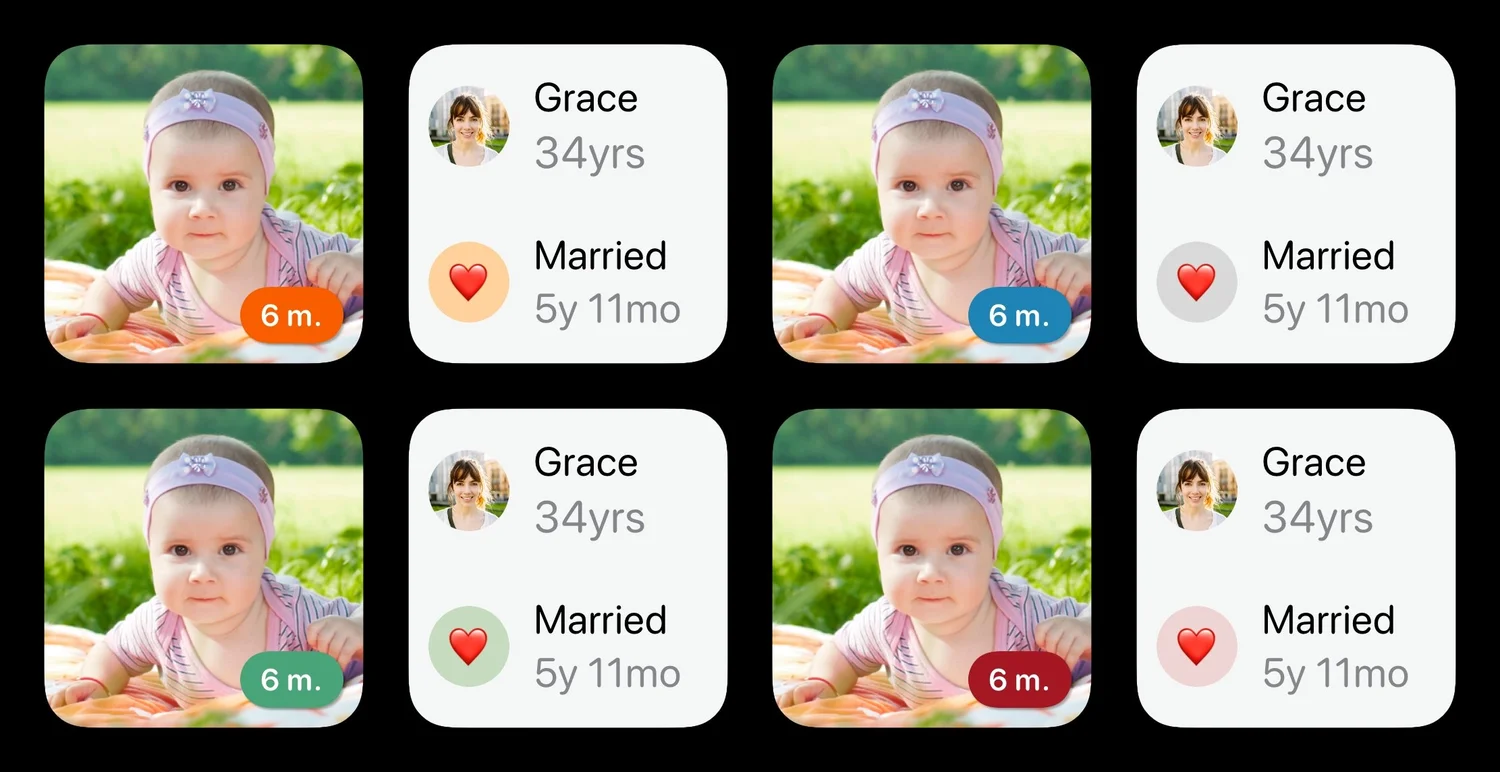
Design Themes
You can easily change the colour theme of Gammel, this will control the highlight colour in app and on the image Display Age widget.
Shortcuts
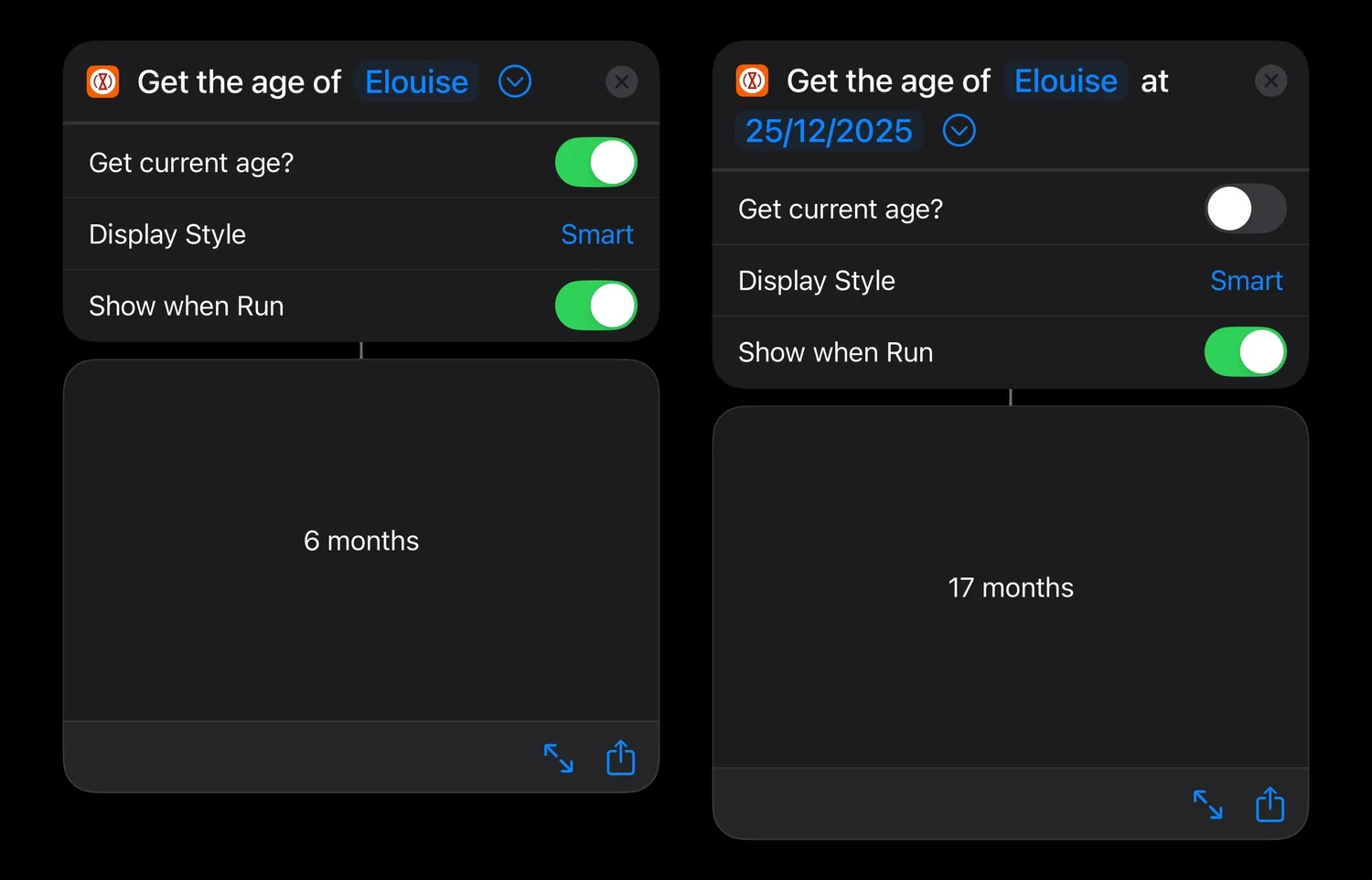
Gammel supports Apple Shortcuts, allowing you to get an age for someone you have added.
Not only can you get their current age, but you can get what their age was or will be at another point in time. You can then use this value to input into another shortcut step.
“During the first few years of my son’s life I would need to know his age in weeks, then months, and I was always having to stop and think and do maths in my head.
I created Gammel so I could have a widget on my phone as a quick and easy reminder, and so I wouldn’t have to do mental calculations while lacking sleep!”
— Luke, developer of Gammel
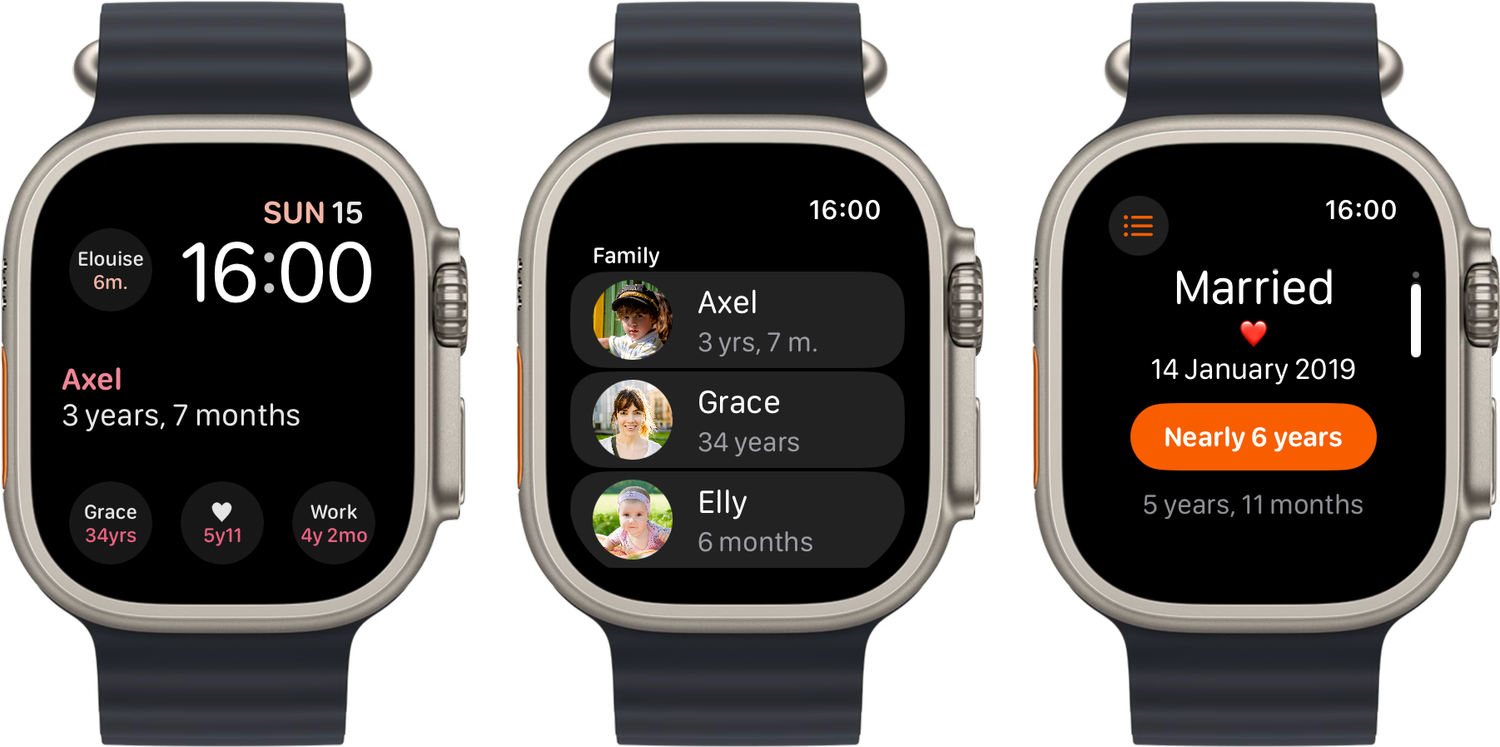
Apple Watch
The data you add to Gammel on your iPhone or iPad will also sync across to your Apple Watch, allowing you to display in a dedicated Apple Watch app, as well as with complications on the watch face.