
Gammel Widgets
Track the ages of your kids, pets, and anniversaries right on your Home Screen, Lock Screen, or Apple Watch face.

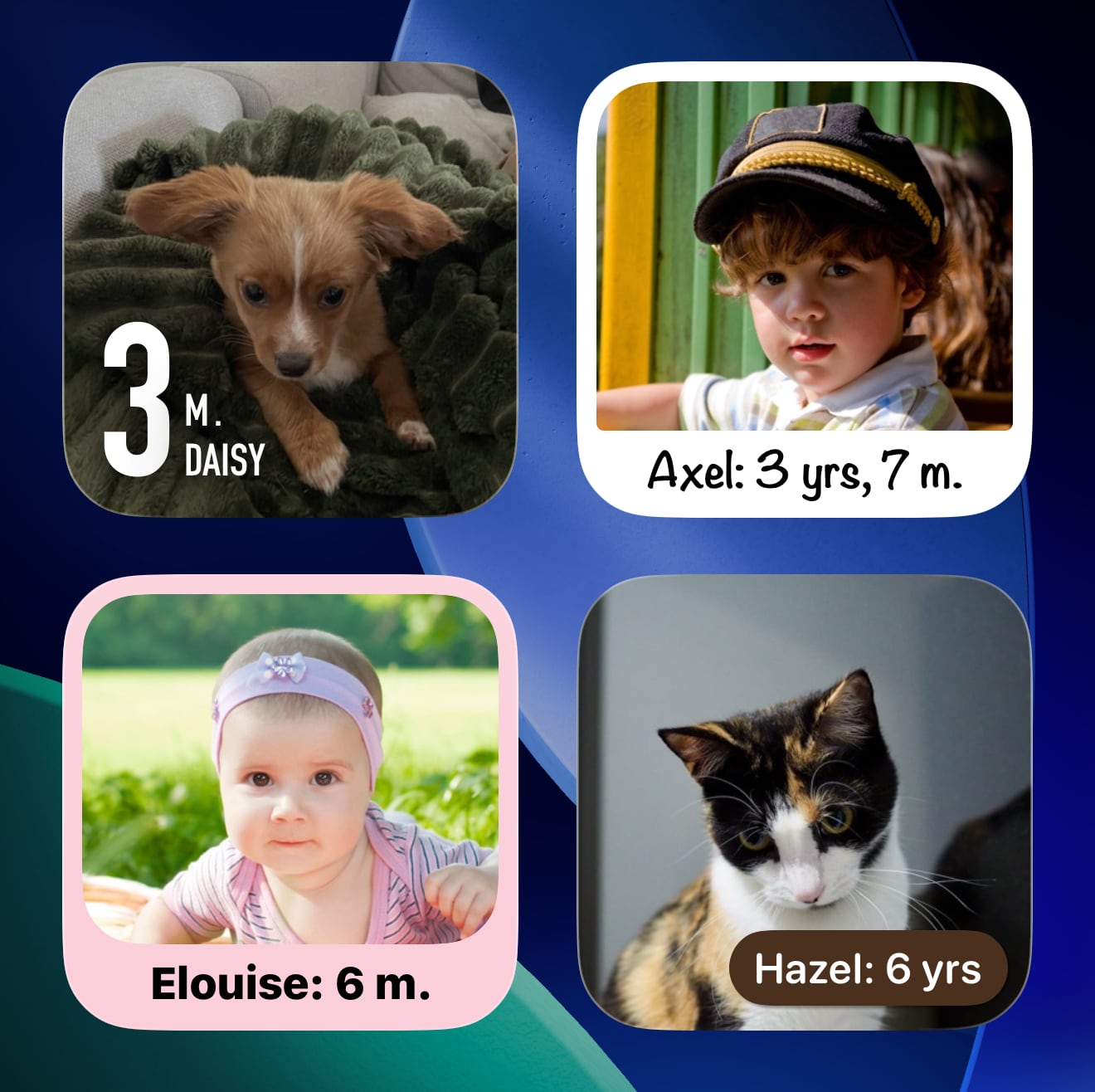
Photo Widget
A beautiful widget that showcases a photo alongside an age. Perfect for highlighting a child, pet, or anniversary.
Choose from seven unique styles and a range of colour themes to match your Home Screen.
Dashboard Widget
Shows multiple people, pets, and anniversaries at a glance. Perfect for keeping track of several ages in one place.
Five distinct styles and a range of colour themes let you make it your own.
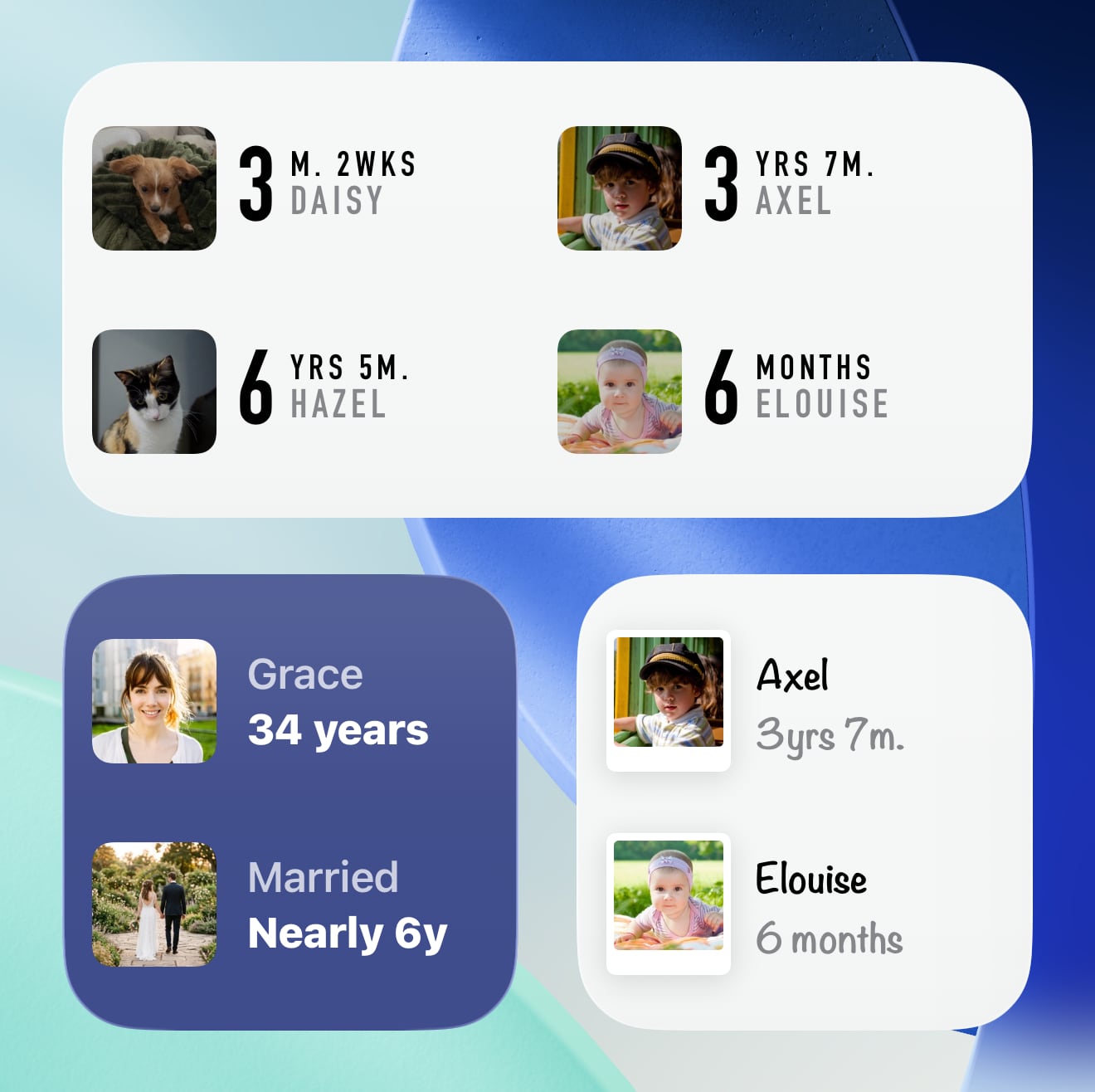
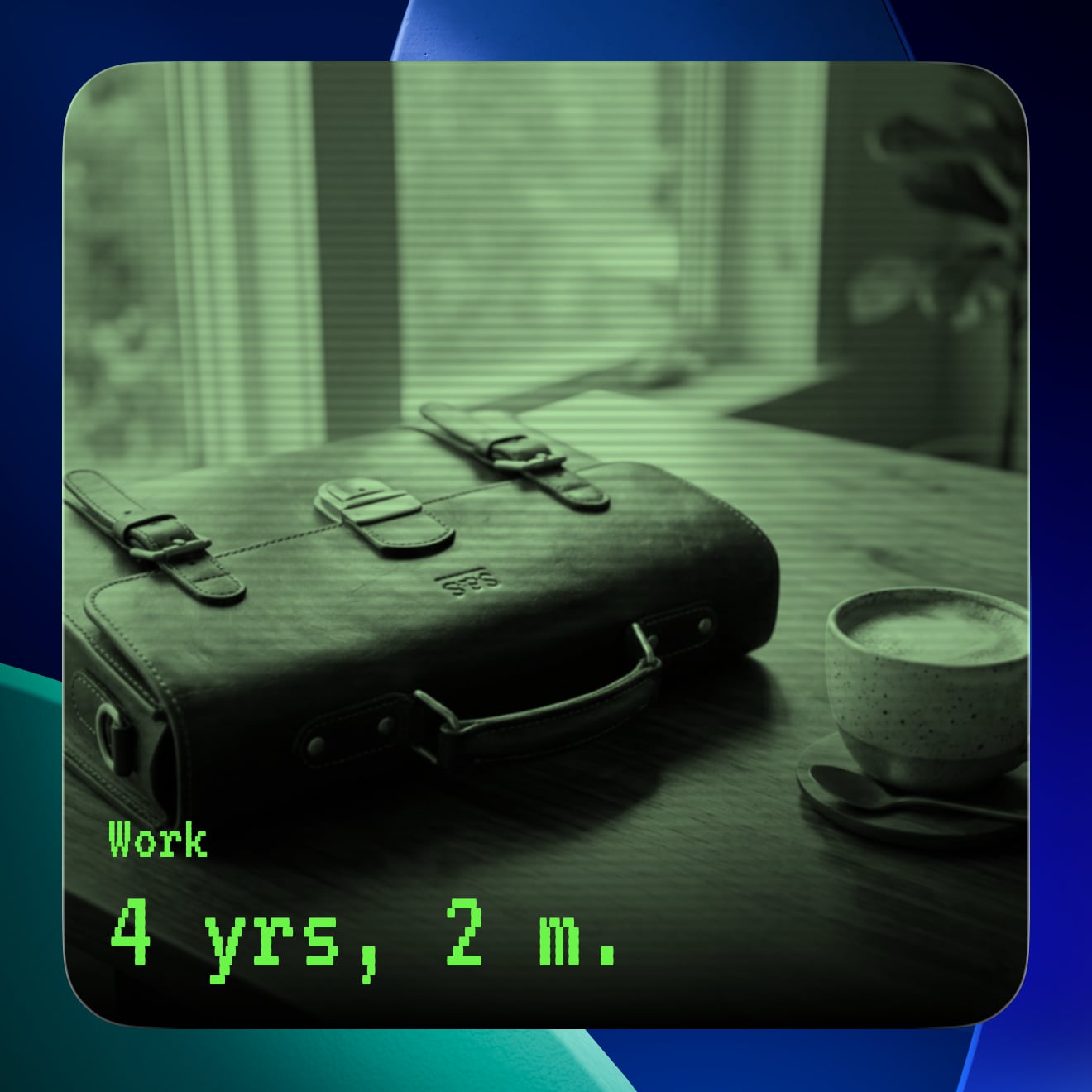
Photo Widget Styles
Choose from seven looks for your Photo widget.
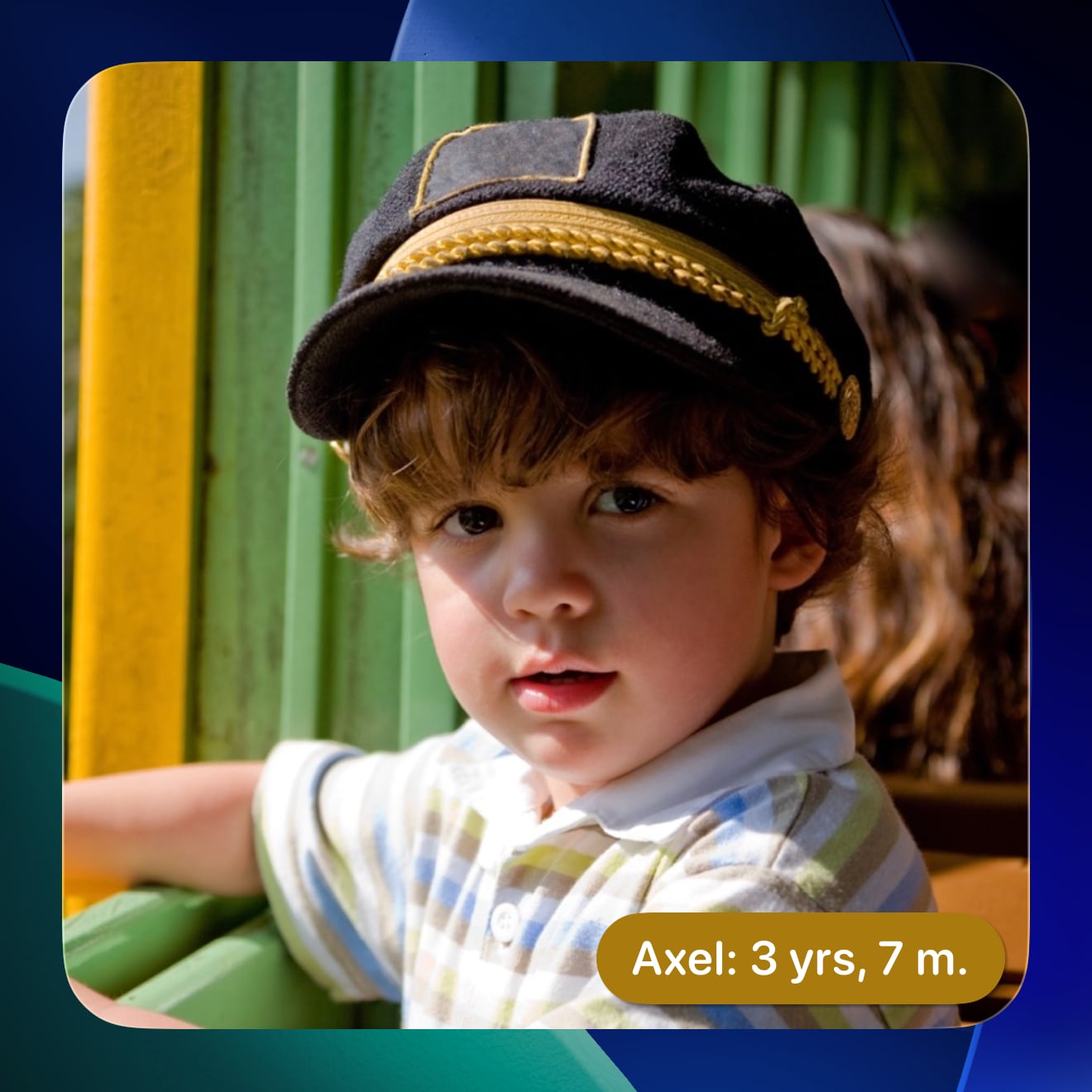
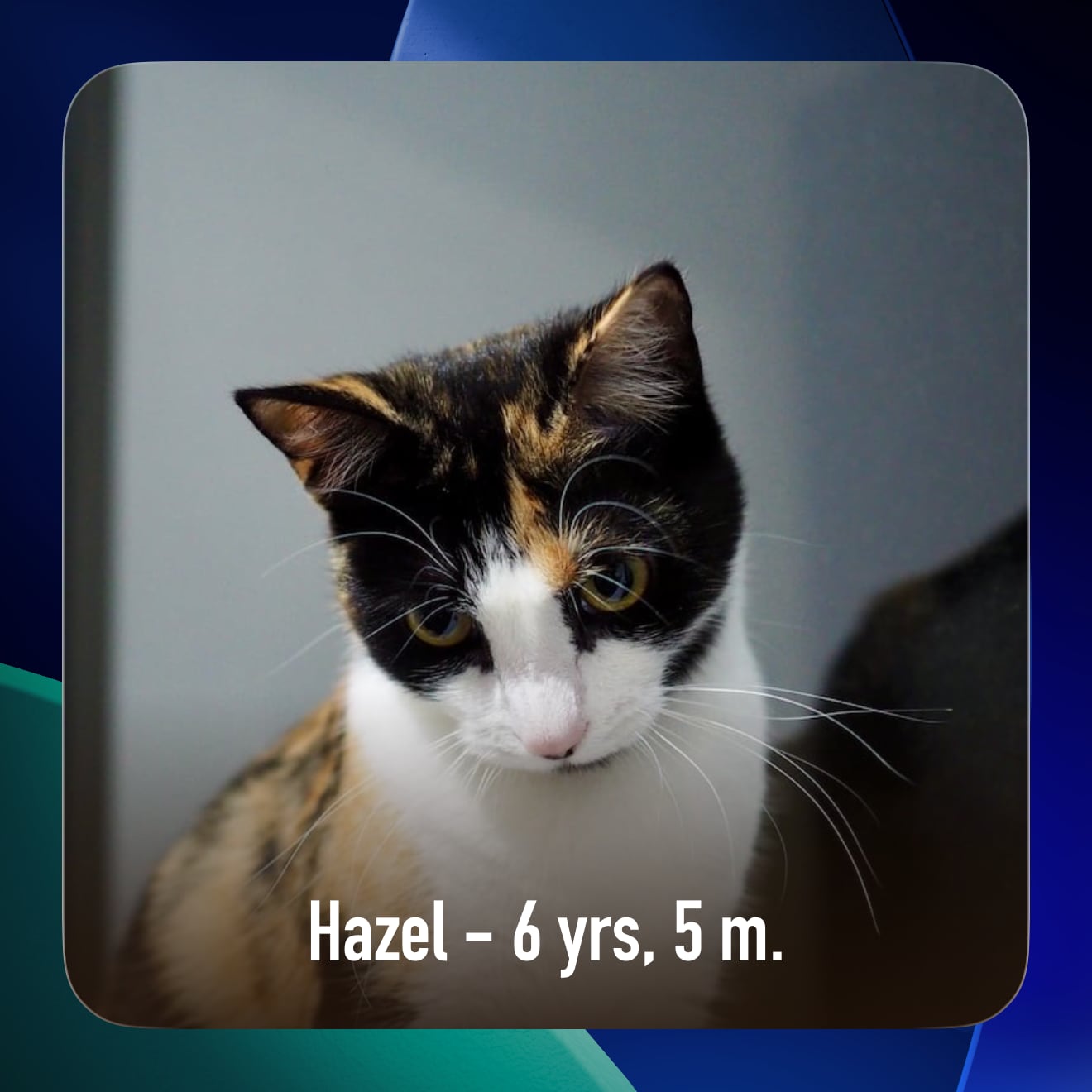
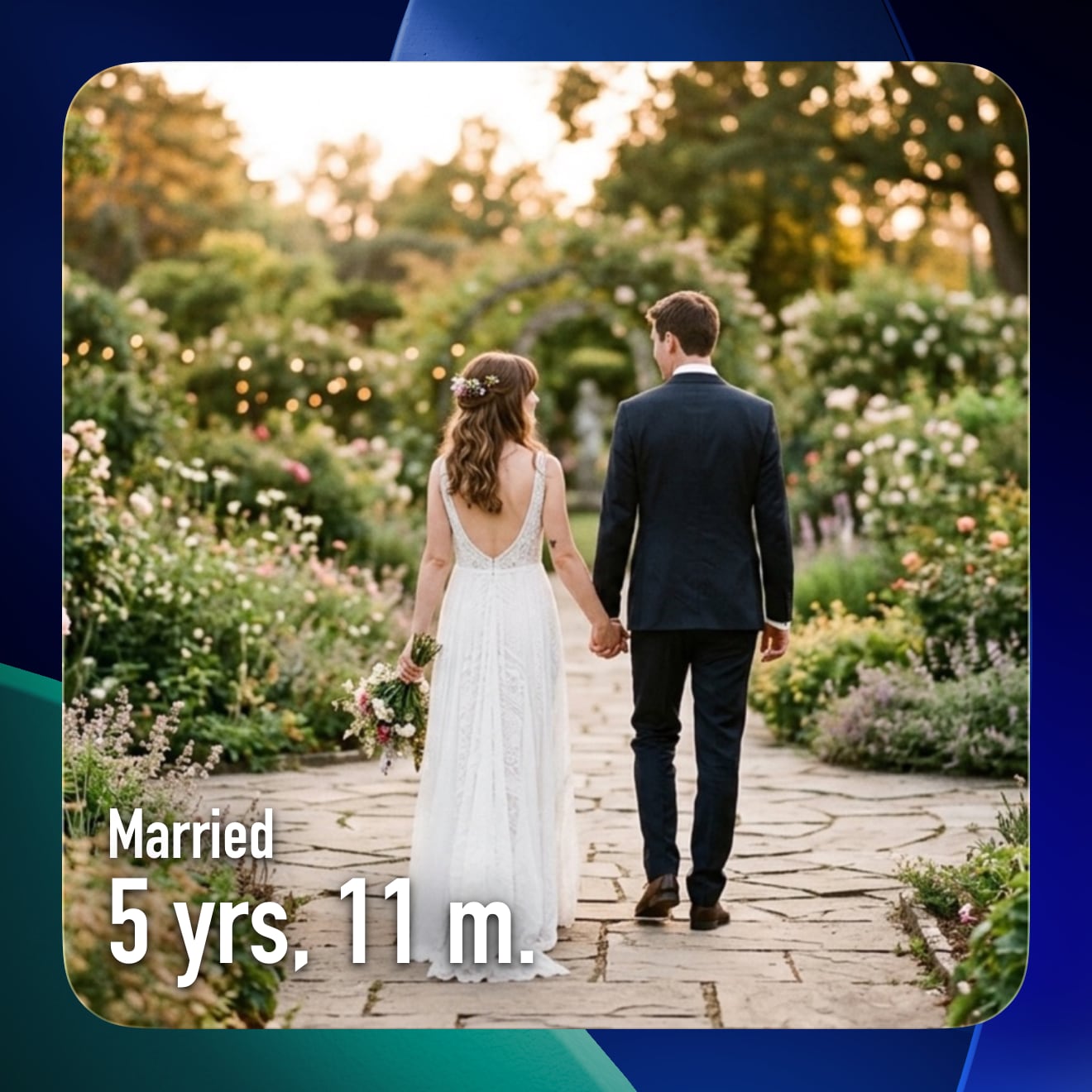
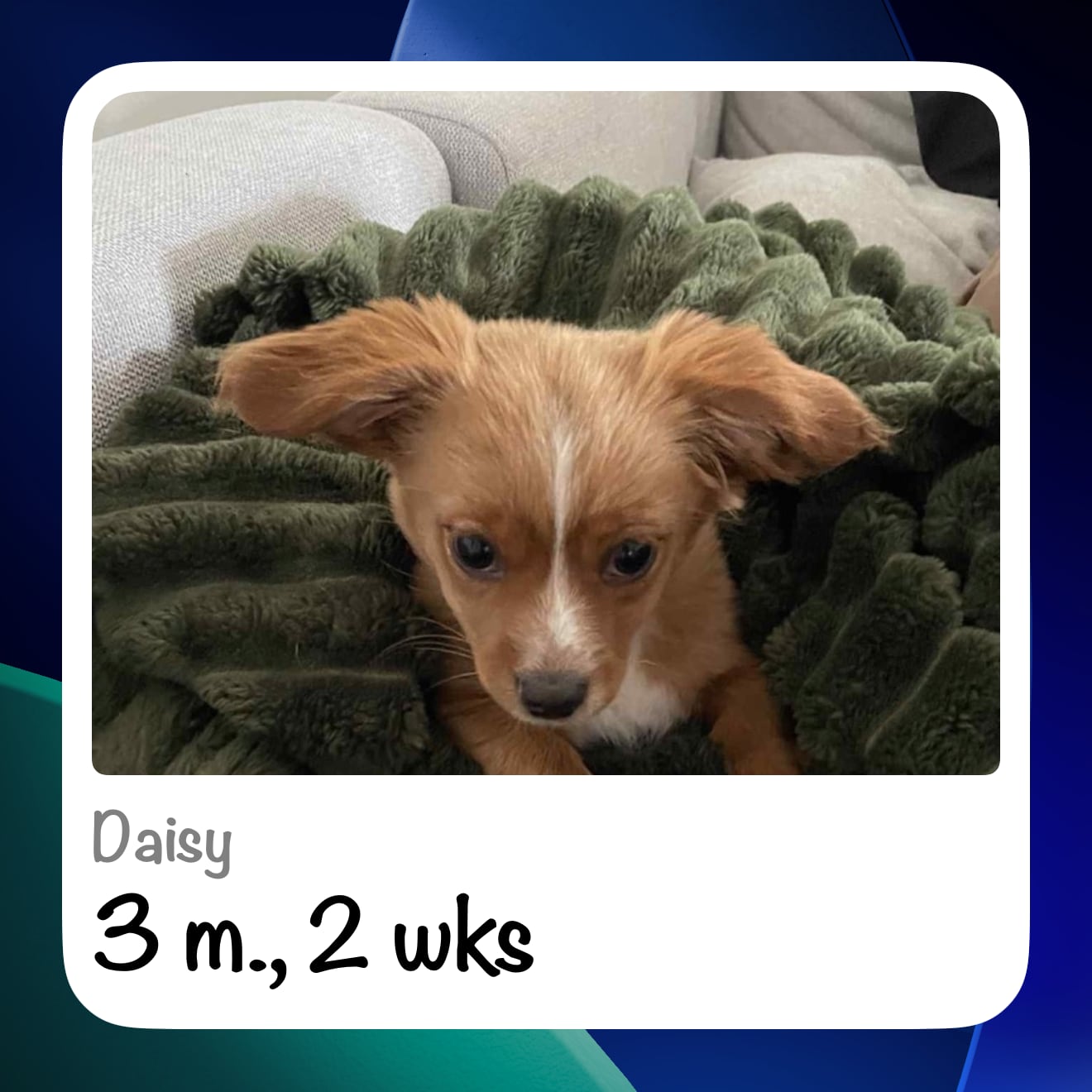
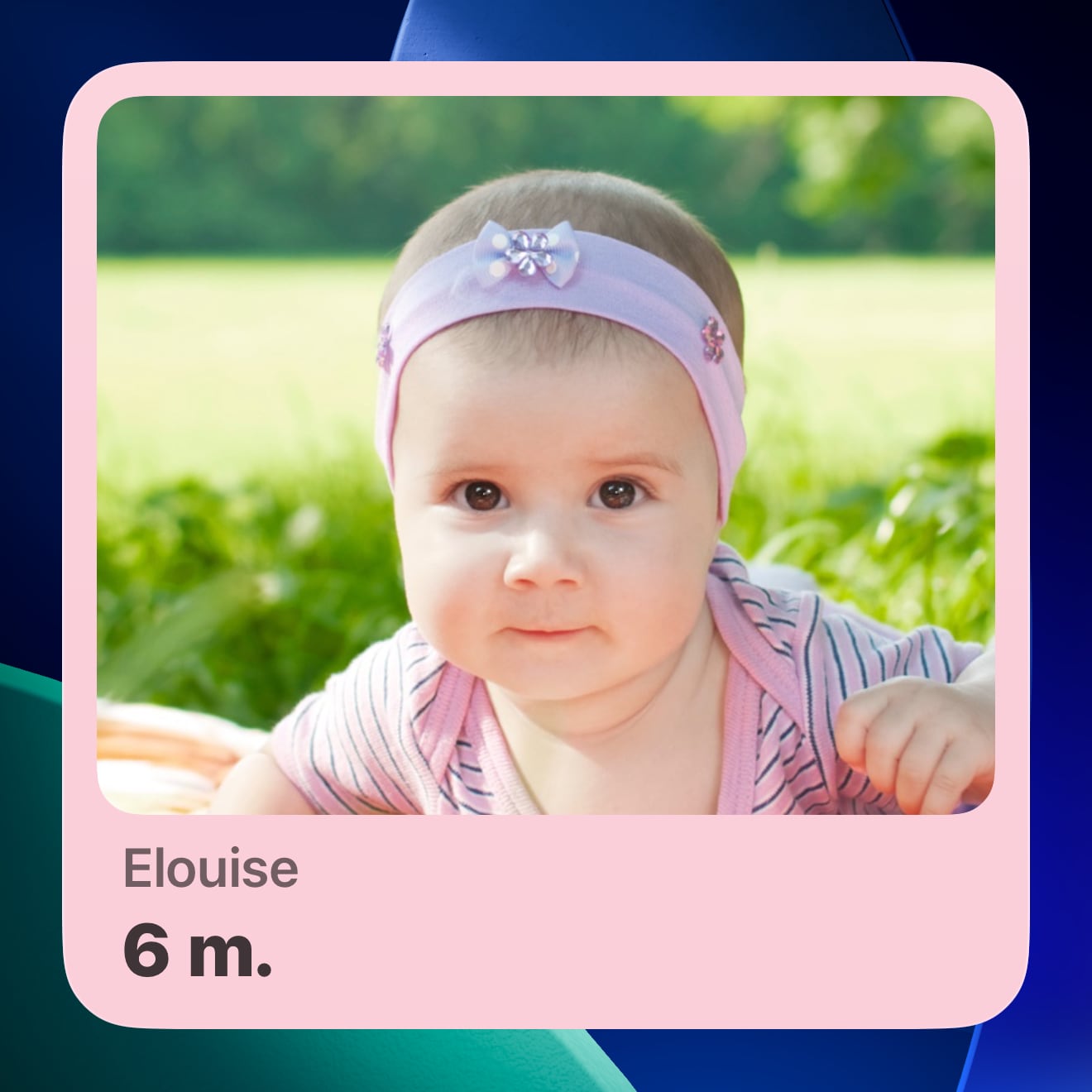
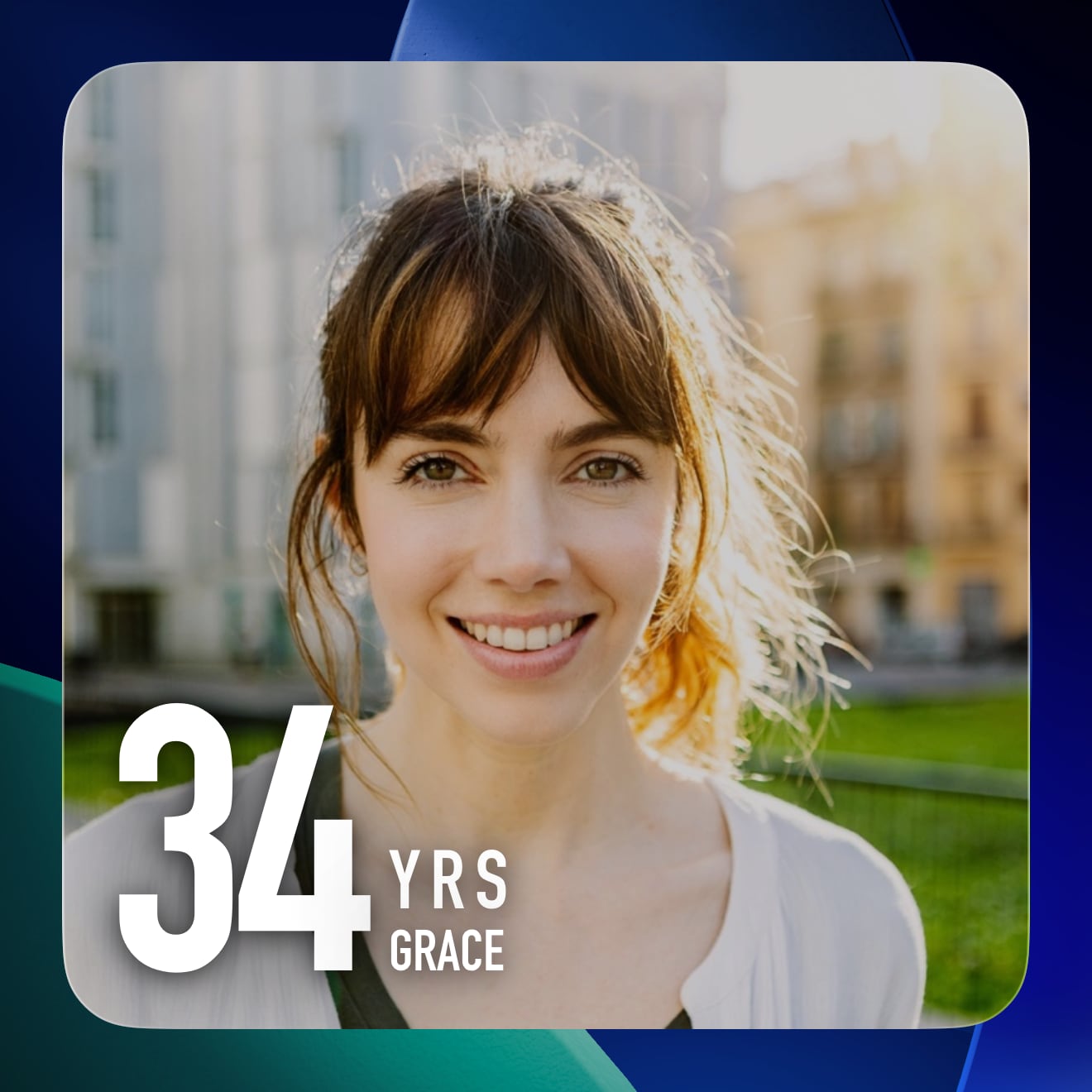
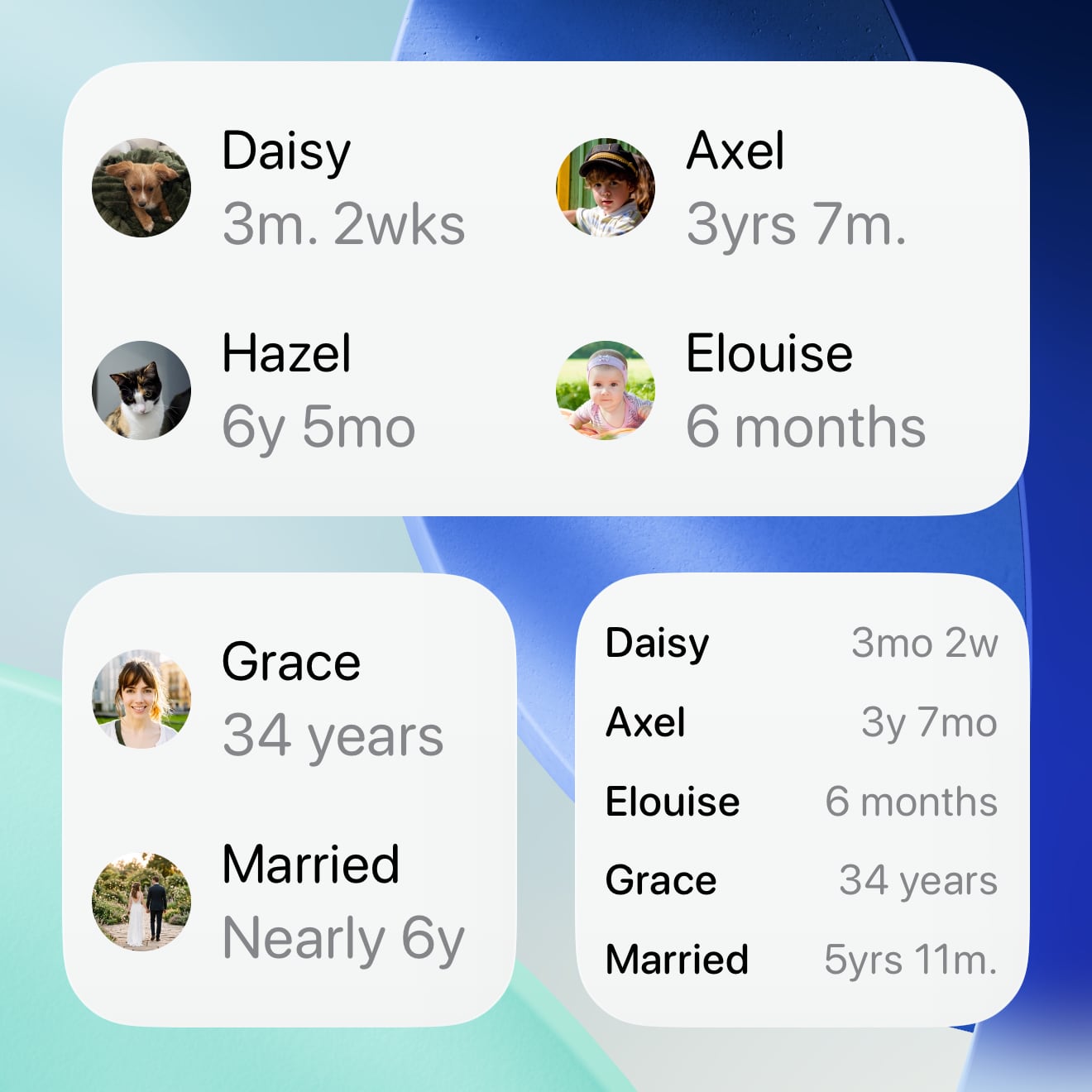
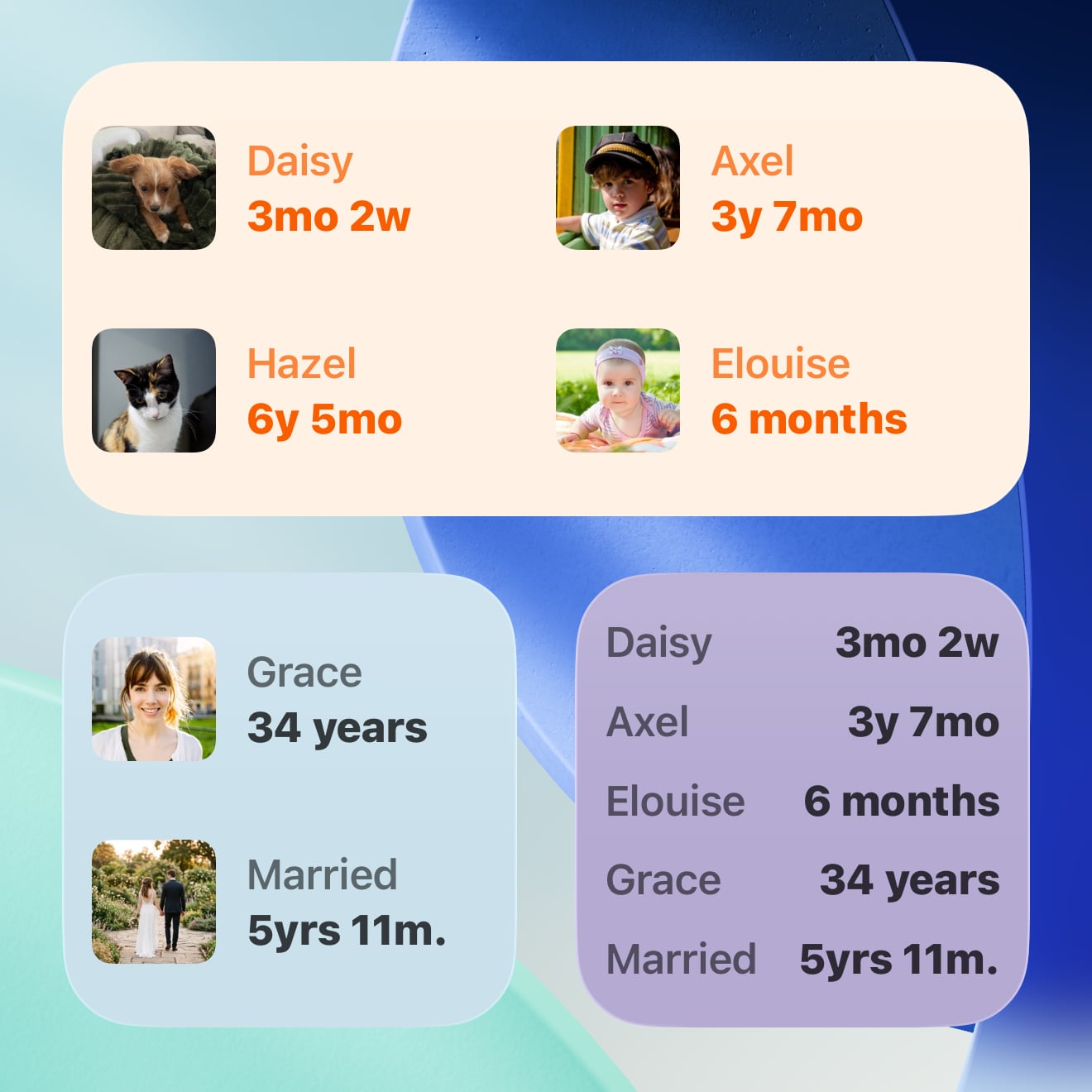
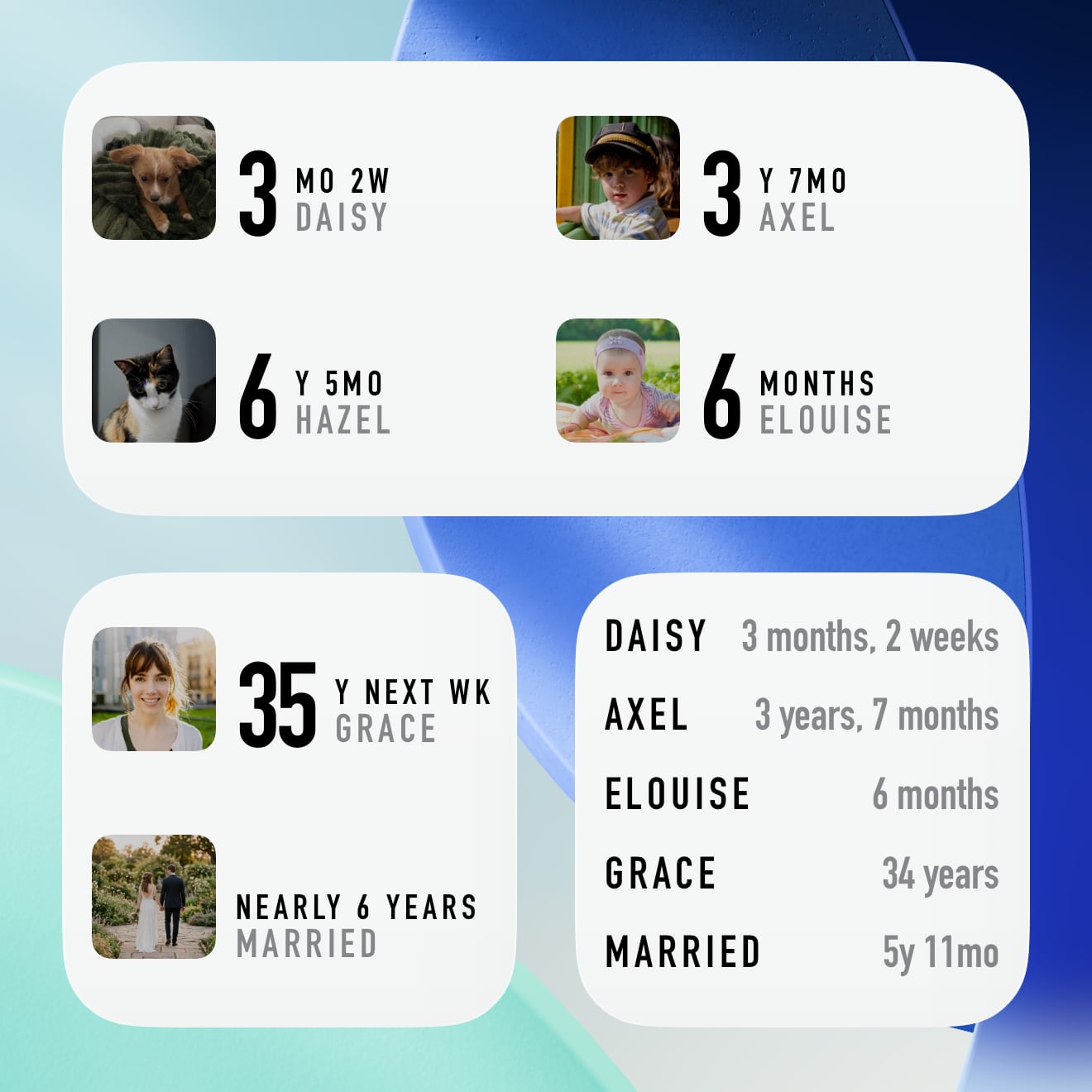
Dashboard Widget Styles
Choose from five looks for your Dashboard widget.
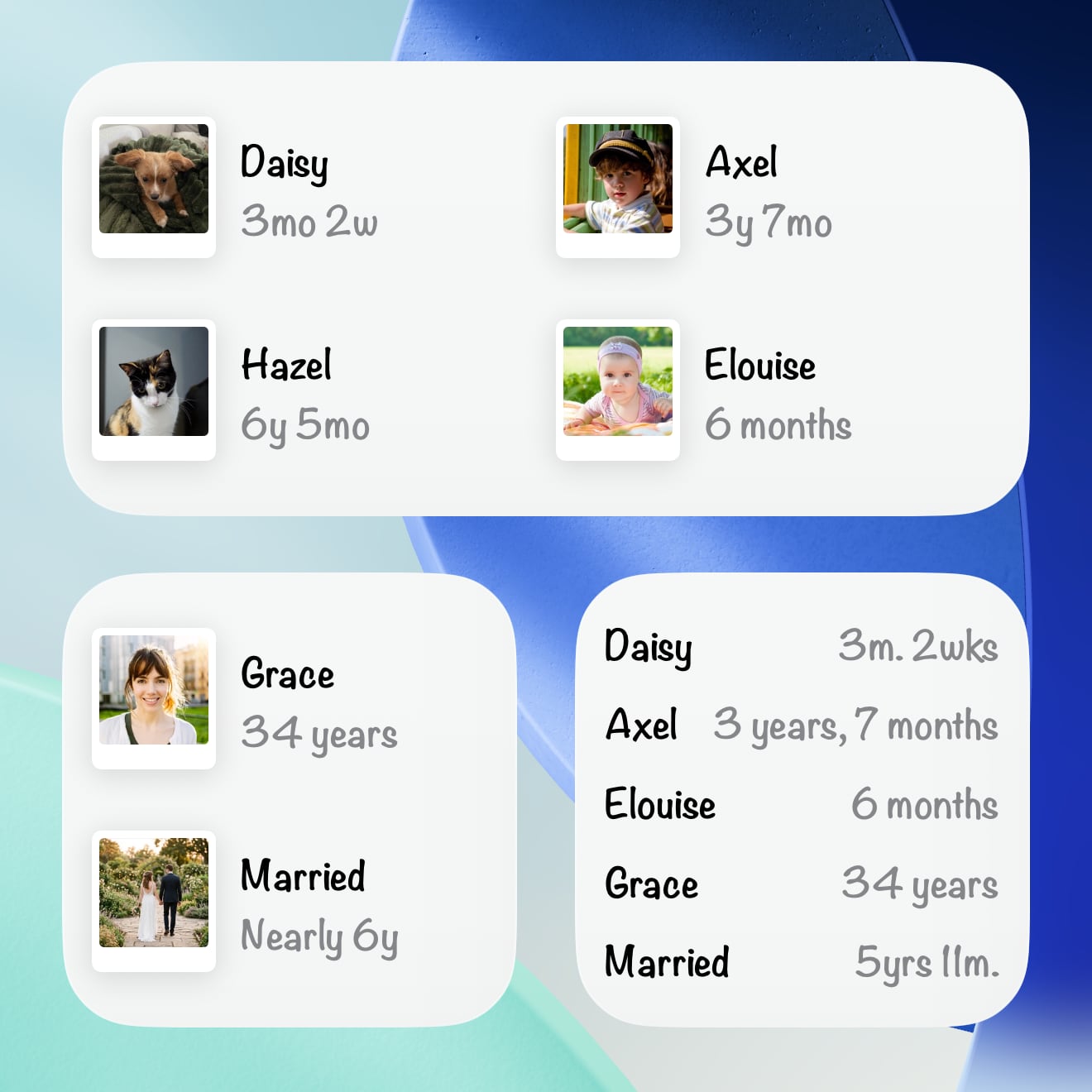
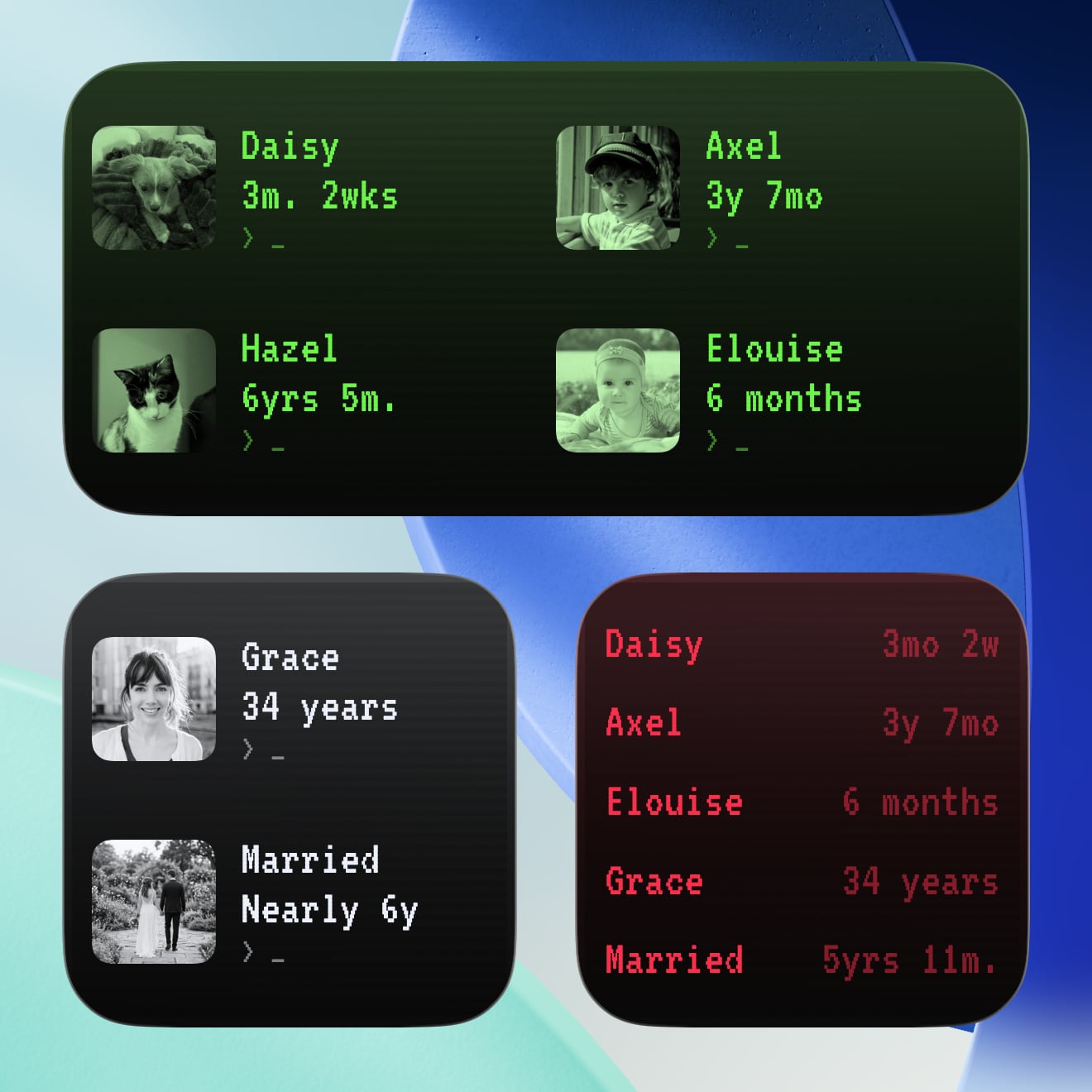
Themes & Colours
Most widget styles let you pick a colour theme. Options include Ocean Teal, Garden Mint, Blush Petal, Lavender Haze, Nightfall, and more.
Select App Theme to match your in-app colour, or Image Theme on supported styles to automatically pull colours from the photo.


Lock Screen & Apple Watch
Glance at an age without unlocking your phone. Choose from circular, rectangular, or inline styles on your Lock Screen. The same formats also work as complications on your Apple Watch face.
Widget Playground
Not sure which style to pick? Preview every style and theme combination right in the app before adding a widget to your Home Screen.
Go to Settings > Widget Playground to browse all the options with your real data. Use the shuffle button to discover new combinations.


Choose What Each Widget Shows
Once a widget is on your Home Screen, long-press it and choose Edit Widget to decide exactly what it should display.
You can switch between automatic and manual selection, pick the entry you want, and adjust the style and theme for supported widgets.
If you want to compare combinations before placing anything, open Widget Playground from the Gammel app Settings to preview them with your real data.
Widget FAQs
How do I add a widget to my Home Screen?
- Long-press on your Home Screen until the apps start to jiggle.
- Tap the + button in the top corner.
- Search for Gammel.
- Choose either Dashboard or Photo.
- Pick your preferred size and tap Add Widget.
- Long-press the widget and choose Edit Widget to customise the style, theme, and what to show.
How do I add a widget to my Lock Screen?
- Long-press on your Lock Screen.
- Tap Customise and select the Lock Screen.
- Tap the widget area and search for Gammel.
- Choose a complication style.
What happens when I tap a widget?
Tapping a widget opens Gammel and takes you directly to that entry's detail page.
How do I change what appears on my widget?
Long-press the widget on your Home Screen, tap Edit Widget, and change the selection from automatic to manual. You can then pick exactly what you'd like to see.
Can I show different entries on different widgets?
Absolutely. You can add multiple Gammel widgets to your Home Screen, each configured to show different people, pets, or anniversaries with different styles and themes.
What is the difference between Smart and Casual age display?
Smart displays ages in days, weeks, then months and weeks for babies and toddlers, then years and months as they get older.
Casual is more for describing the age in casual conversation, where the exact age isn't as important (e.g. "4 yrs", "1 ½ yrs", "2 yrs next wk").
You can choose your preferred style when configuring the widget.
Do I need iCloud for widgets to work?
No. Widgets work entirely with your local data. iCloud syncing is a separate feature that keeps your data in sync across devices, but it's not required for widgets.
How often do widgets update?
Widgets refresh approximately once per hour. They also update when you make changes in the Gammel app and switch away from it. If your widget isn't showing the latest changes, just open and close the app. This triggers a refresh and your widget should update within a few moments.
Why does my photo look slightly different on the widget?
Photos on widgets may appear slightly muted or desaturated depending on the Widget Style. This is intentional and helps the text (names and ages) stand out clearly against the image.
Can I use widgets on my Apple Watch?
Yes. Dashboard complications are available for your Apple Watch face in circular, rectangular, and inline formats. Photo widgets are not available on Apple Watch.
Are all widget styles and themes included?
Yes. Gammel is a one-time purchase with no in-app purchases or subscriptions. Every widget style, theme, and customisation option is included.
Can I use widgets on my Mac?
Yes. Dashboard widgets are available on Mac through the widget gallery.